

One folder. One upload. Pages you can read.
dhtml is a language and the hosting that runs it. Write HTML with a few tags and get accounts, payments, AI, jobs, live pages and a database, safe by default. Zip the folder, upload it to dhtml.net, and it is online. No npm, no build step, nothing to install.
Hosted on dhtml.net · beta from January 2027 · MIT starters, your apps are yours
§ 00 · The folder
The whole project is a folder
From examples/notes. Everything outside public/ stays out of reach of the browser.
- notes/
- dhtml.configsettings: protected paths, mail, AI
- public/static files, the only folder a browser can read
- style.cssserved as written
- server/pages/GET pages. The file path is the URL
- index.dhtmlGET /
- admin/index.dhtmlGET /admin (admins only, by config)
- server/api/actions: forms, fragments, JSON
- note-add.dhtmlPOST /api/note-add
- server/layouts/page shells, with a slot
- server/partials/fragments you include
- server/migrations/plain SQL, applied in order
- 001_notes.sqlCREATE TABLE notes (…)
§ 01 · Why dhtml
Why dhtml
-
One language, one place to run it
The language and the hosting are one thing. There is no framework to choose, no bundler, no node_modules, and no server to look after. You write the app, upload it, and dhtml.net runs it.
Because the vocabulary is small and written down, the whole app is something you can understand end to end. So can an AI agent: a short guide and a ready-made skill give it the loop, the patterns and the common errors to start from.
-
AI is native
<d:ai> is a tag. Anthropic and OpenAI-compatible models, answers that stream as they are written, usage and history kept as data, and a rate limit required by design. An AI feature is a few lines in an action, not an SDK and a service.
-
Safe by default
Output is escaped for the place it lands. SQL values are bound parameters. Forms carry CSRF tokens. Outbound calls go only to the hosts you declare, and signed webhooks run each event once. There is no raw filter and no way to run a shell command. You don't switch safety on; you would have to work to take it out.
-
Pages you can read
A page is HTML with a handful of tags. The file path is the URL, so routing needs no router. Components take named inputs that are checked before the page ever runs. A year later you open the file and see what it does.
-
The speed of a single-page app
Links and forms swap only what changed, components and small islands of client state handle the interactions, and live updates arrive as they happen. Every page is still a normal page with its own address, and navigation falls back to ordinary page loads without JavaScript.
-
A real backend, built in
Accounts, magic-link sign-in, sign-in with Google, API keys, Stripe payments, signed webhooks, scheduled and queued jobs with retries, outgoing mail, languages, uploads. Each is a tag or a few lines, written the same way as the rest of your app.
-
Every upload is checked
Before a new version goes live, dhtml.net compiles every page, route and setting, backs up your database and applies your migrations. A mistake is reported with its file, its line and a hint, and the version that is running is left as it was.
-
Yours
An app is a folder plus a database, and both are yours. The docs and the MIT starters are public.
§ 02 · Built with it
Whole apps, one folder each
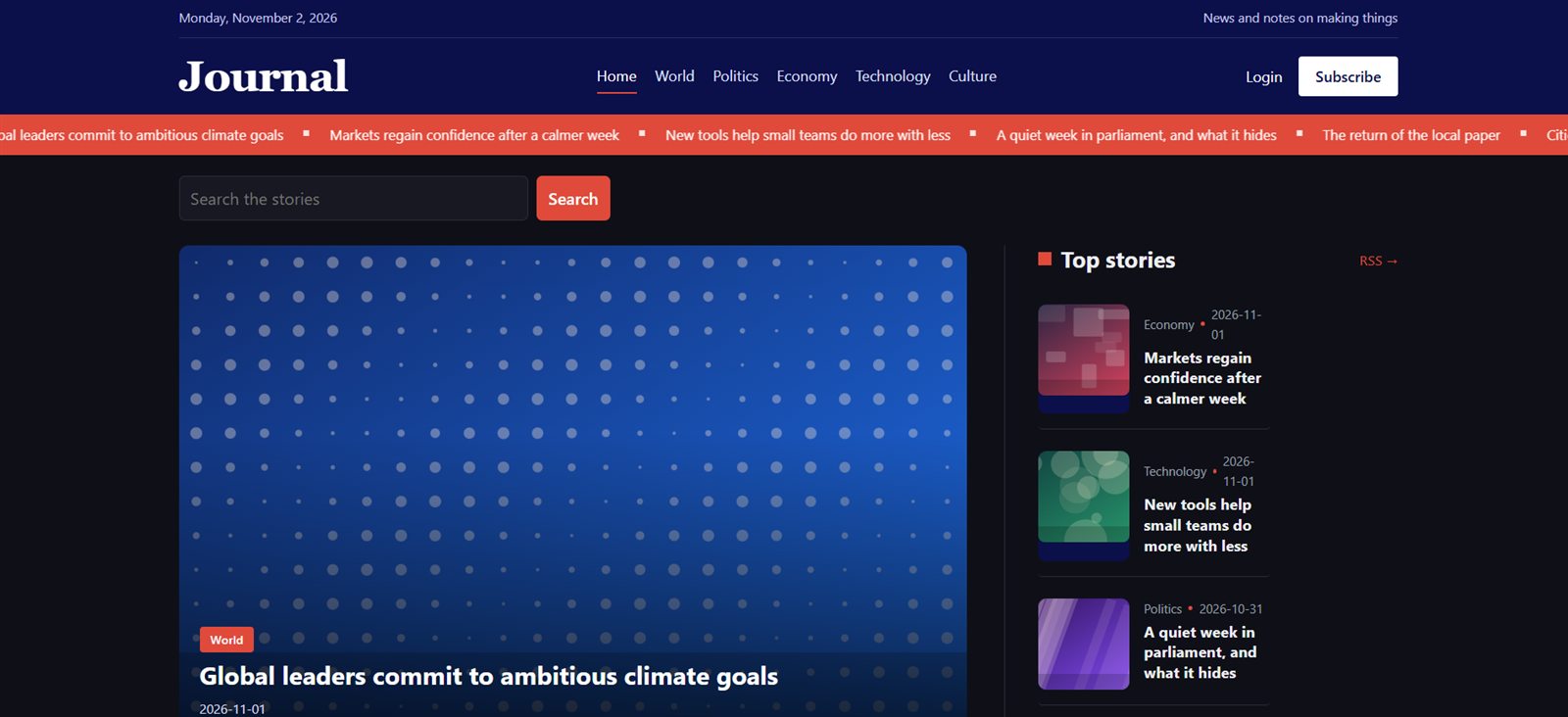
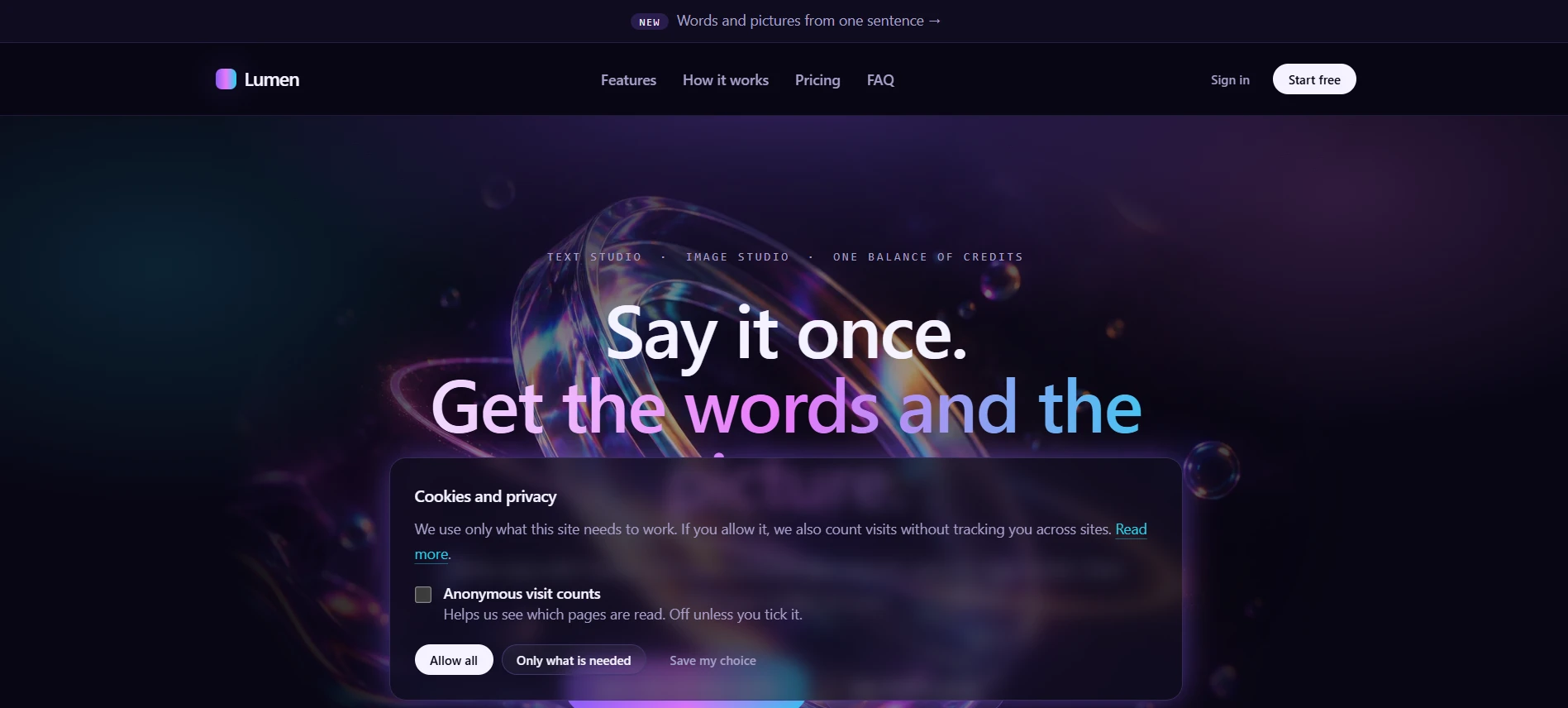
A news site with an AI writer, and an AI product with credits and Stripe. See both →
§ 02 · A real page, a real action
Two files from the notes example
Nothing below is retyped. The code is read from examples/notes when this site is built, and the notes beside it are checked against the line they describe.
<d:query as="notes"> SELECT n.id, n.user_id, n.body, n.created_at, u.name AS author FROM notes n JOIN _dhtml_users u ON u.id = n.user_id ORDER BY n.id DESC LIMIT 50</d:query><d:layout src="main" title="Notes"> <h1>Notes</h1> <d:auth> <form method="post" action="/api/note-add"> <textarea name="body" rows="3" maxlength="500" placeholder="Write a note..." required></textarea> <button>Add note</button> </form> <h2>Ask about the notes</h2> <form method="post" action="/api/ask" data-stream-target="#answer"> <input name="question" placeholder="What are people writing about?" required> <button>Ask</button> </form> <pre id="answer" class="answer"></pre> <d:else> <p>Sign in to write notes. <a href="/register">Register</a> if you do not have an account yet.</p> </d:auth> <ul class="notes"> <d:for each="n in notes"><d:include src="note" /><d:empty><li class="muted">No notes yet.</li></d:for> </ul></d:layout><d:action auth ratelimit="30/minute"> <d:validate field="body" required max="500" /> <d:exec>INSERT INTO notes (user_id, body) VALUES ({{ user.id }}, {{ form.body }})</d:exec> <d:redirect to="/" flash="Note added" /> <d:invalid> <d:layout src="main" title="Notes"> <h1>That note cannot be saved</h1> <p class="error">{{ errors.body }}</p> <p><a href="/">Back</a></p> </d:layout> </d:invalid></d:action>More, including a Stripe payment written in tags: the examples.
§ 03 · Hosting
Upload it, and it is online
| Step | What happens |
|---|---|
| Make a site | Sign in at dhtml.net and make a site. It gets its own address, NAME.dhtml.net, with HTTPS. |
| Upload | Zip the folder and upload it on the site's page, or from a script or an AI agent with a deploy key. |
| Checked | Pages, routes, settings and migrations are checked, the database is backed up and the migrations run. A mistake is reported with its file and line, and the running version is left alone. |
| Secrets | API keys and passwords are set on the site's page, never in the zip, and named env:NAME in dhtml.config. |
| Your domain | Point your own domain at the site. |
§ 04 · Built for real apps
Any web app, from a landing page to a paid AI product
dhtml does not decide what you can build. The server side is SQL, outbound calls, mail, AI, jobs, uploads, webhooks and live streams. The browser side is HTML, components, islands of client state, and any JavaScript files you put in public/, talking to JSON actions. LaunchSaaS is a whole product in one folder: credits, plans, Stripe, a text studio and an image studio, sign-in by link, a control centre, a blog, docs and a changelog. LaunchBlog is a news site with authors, editors and an AI writer. Download either, change it and upload it to your site.
- dhtml.config and secrets
- File-based routing
- Security headers and request limits
- Template engine
- SQLite and migrations
- Actions, validation, CSRF, uploads
- AI calls and streaming
- Accounts and sessions
- Outgoing mail (SMTP)
- Computation: <d:set> and arithmetic filters
- Outbound calls: [http] and <d:http>
- Signed webhooks with dedupe
- Stripe payments (examples/shop)
- Jobs: scheduled and queued work
- API keys, bearer tokens and CORS
- AI as data: usage and history
- Fast navigation (SPA-style page changes)
- Magic-link sign-in
- Saving pictures from services: <d:save>
- Banning accounts and the account log
- Telling the site owner by mail: <d:notify>
- Answers that are not HTML: <d:respond type>
- Components: <d:component> and <d:props>
- Client state: islands (/_dhtml/state.js)
- Live updates: <d:publish>, [channels], /_dhtml/events
- Board example (examples/board)
- LaunchSaaS starter (examples/launchsaas)
- Sign in with Google: [oauth]
- Mail to the visitor: <d:mail />
- Compression and long caching
- Guide for AI agents
- Mail to many rows: <d:mail for=>
- HTML mail with templates and a live preview
- Reusable steps: <d:use>
- request.host: many sites in one app, by name
- Numbers and dates: fixed, thousands, date layouts, date and time rules
- Zip files as an upload type
- Starters: LaunchBlog, LaunchSaaS
- LaunchBlog starter (examples/launchblog)
- Signing in actions: hmac filters
- Following redirects: <d:http follow>
- Languages: [lang], the t filter, mail in the recipient's language
- Deploy by API with a deploy key
§ 05 · Status
See exactly where it stands
Every feature, with what is built, tested and in progress, is on one page generated from one list, so it agrees with every other page.
§ 06 · License
One paragraph
The documentation, the starters (MIT) and this website are public and free. What you build is yours: your pages, actions, migrations, styles and data, under any license you like. The whole story →